Bernd Becker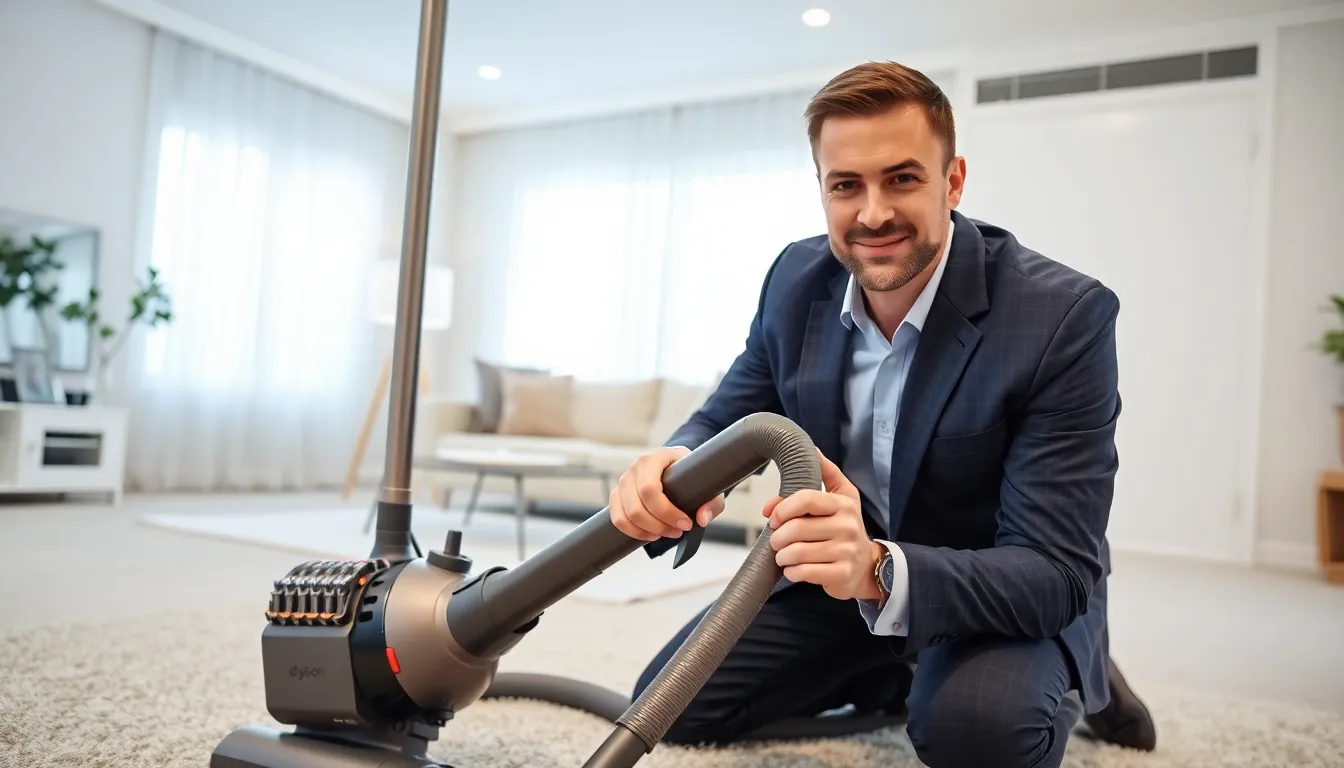
dyson v6 troubleshooting
When your Dyson V6 is not living up to its reputation as a powerful vacuum, it can feel as frustrating as trying to clean a carpet with a broom. Fear not. Whether it’s battery woes, suction drama, or inexplicable brushing issues, we’ve got tips and tricks to get your trusty vacuum cleaner back to prime performance. After all, who wants to have a vacuum that works less than half as hard as you do? Let’s jump into the common problems and how to resolve them so you can get back to enjoying that cleaner home without the headache.
dyson v6 troubleshooting
Battery Issues
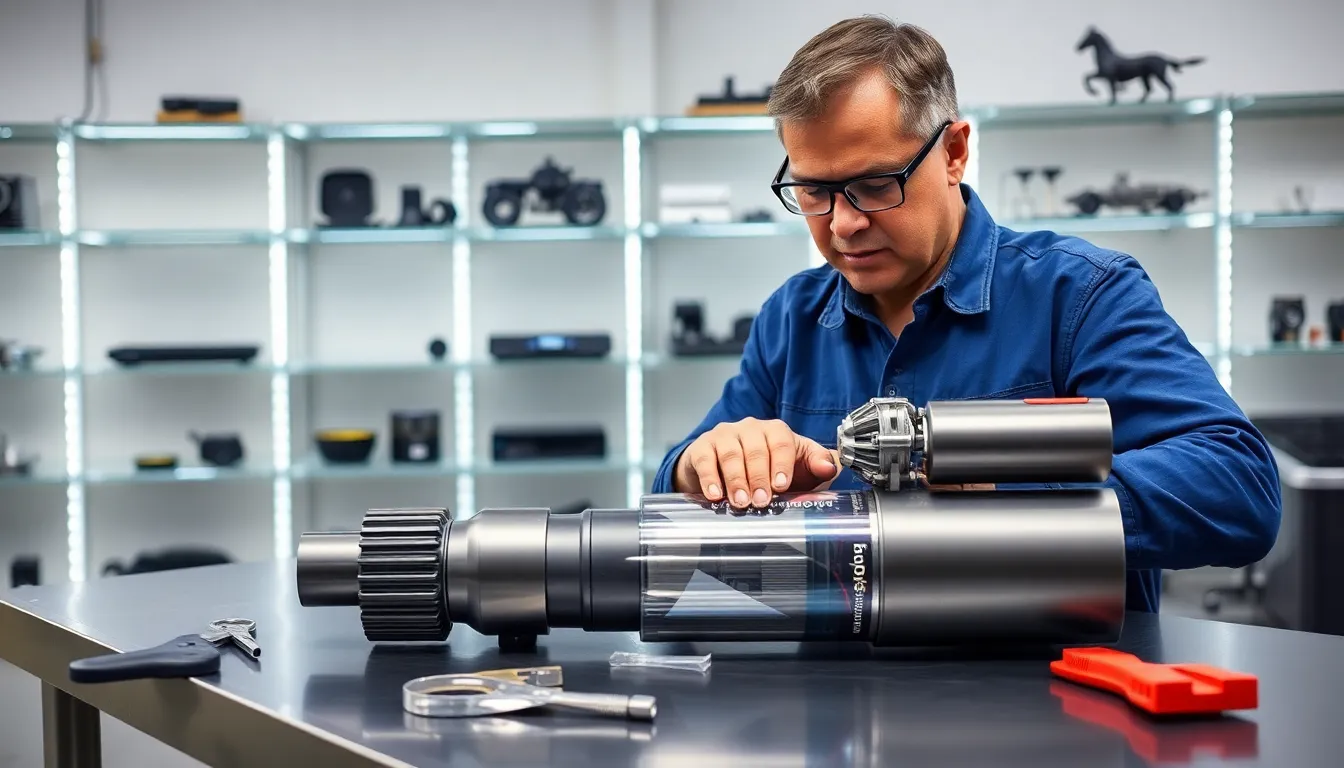
One of the first signs of trouble with the Dyson V6 often starts with the battery. If the vacuum struggles to hold a charge or dies shortly after turning on, then you might be facing battery issues. Over time, lithium-ion batteries lose their capacity. Check for signs of wear or damage. If the battery looks fine externally, sometimes it helps to reset by removing the battery and then reattaching it after a few seconds. If the problem persists, consider getting a replacement battery.
Suction Power Declines
Suction is the lifeblood of your Dyson V6. If you notice that your vacuum isn’t picking up dirt and debris effectively, it’s time to investigate. Common culprits include clogs in the wand, brush bar, or filters. Check the wand for blockages and clear any hair or debris caught in the brush bar. If everything seems clear but suction remains weak, inspect the filters. They should be regularly washed every month.
Filter Maintenance
Filters play a crucial role in maximizing suction power. A dirty filter restricts airflow, which lowers performance. Dyson recommends washing the filter under cold water, without soap, and allowing it to dry completely before reattaching. If the filter appears too worn after repeated washes, replacing it is the best course of action.
Brush Bar Problems
The brush bar is your vacuum’s little hero when it comes to lifting embedded dirt and hair from carpets. If it’s not spinning, there could be a blockage or it might need a good cleaning. Hair often gets tangled around the bar. To resolve the issue, simply remove the brush bar, cut away any debris, and replace it. If it still won’t rotate after cleaning, you might need to check the motor that drives it, as that can sometimes malfunction.
Connectivity and Charging Issues
Understanding Error Codes
Connecting your Dyson V6 to the charger should be as straightforward as plugging in a toaster. But, error codes can sometimes get in the way of a seamless experience. If the vacuum shows a flashing light or error code, consult Dyson’s official troubleshooting guide. Often, these errors can be resolved by a simple reset or reconnecting the charger. For more persistent codes, checking the power outlet or the charger itself for defects can reveal hidden problems.
Cleaning and Maintenance Tips
Daily Maintenance Practices
To keep your Dyson V6 in tip-top shape, developing a routine maintenance schedule is key. After every use, empty the dust container and clean the filter if necessary. Give the brush bar a quick check for tangled hair. Performing these small but essential tasks daily can prevent minor issues from escalating into major headaches.
Deep Cleaning the Vacuum
Every few months, it’s wise to do a thorough cleaning of your Dyson V6. This involves disassembling parts, checking for clogs, cleaning the canister, and ensuring that all components are free from dust buildup. While this process may seem tedious, it pays off by prolonging the life of your vacuum.
When to Seek Professional Help
Warranties and Repair Options
Sometimes, even though your best troubleshooting efforts, a vacuum might need more than just a simple clean or battery change. If your Dyson V6 is under warranty, this is the perfect time to contact Dyson support. They can guide you through more serious problems or even repair options. If not, you might want to find a certified repair shop that specializes in Dyson products. This can save you time and ensure that your vacuum is treated with the expertise it deserves.