Skip to content
sentback.org

sentback.org

Tech Assistance Unleashed, Dive into Devices & Gadgets, and Master the Art of Troubleshooting

  • Home
  • Tech Assistance
  • Troubleshooting
  • Tech Help
  • About The Team
  • Contact Us
  • Home
  • Troubleshooting
  • Roomba Troubleshooting: Your Ultimate Guide to Fixing Common Issues

Roomba Troubleshooting: Your Ultimate Guide to Fixing Common Issues

Bernd Becker November 4, 2025 4 min read
270
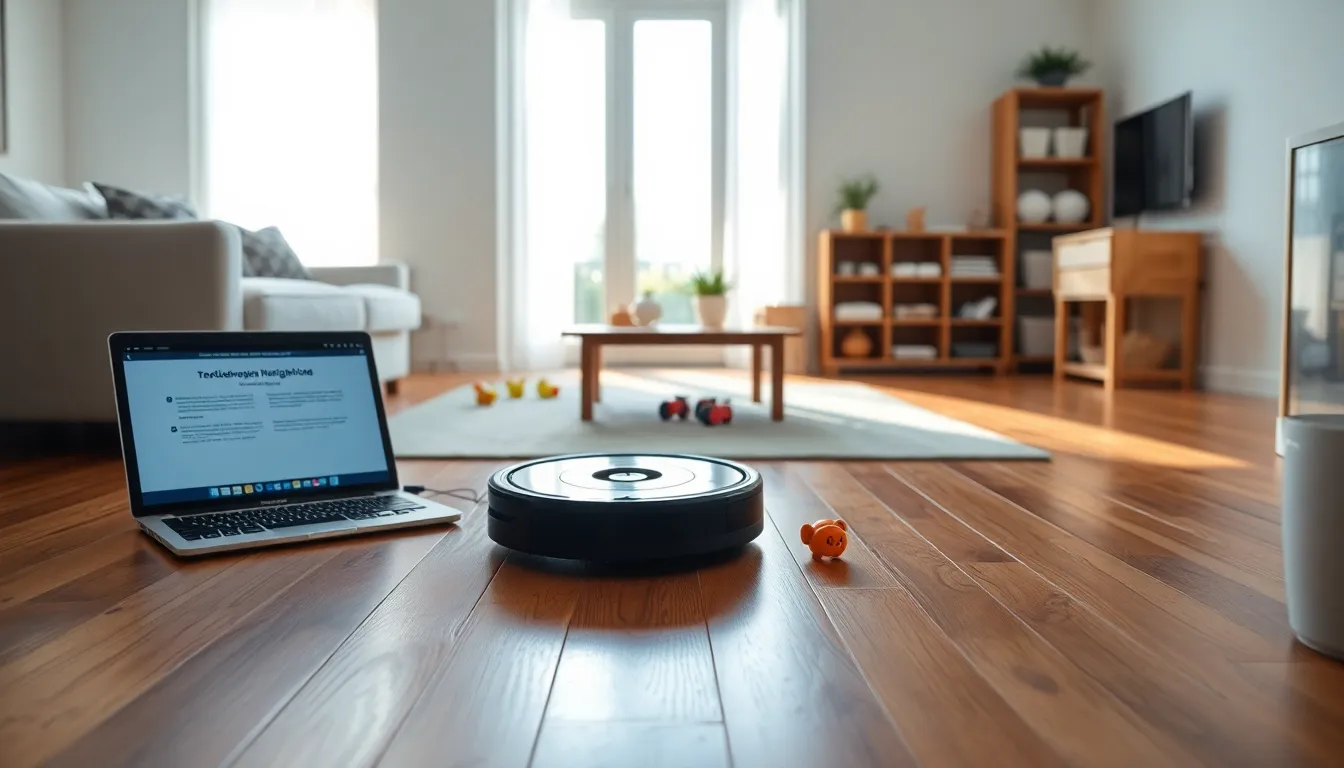
roomba troubleshooting

roomba troubleshooting

Is your Roomba acting like a rogue vacuum? If it’s suddenly stopped cleaning, or worse, just sits there looking confused, don’t panic. You’re not alone in this mechanical drama. Many Roomba owners have faced the same perplexities. Fortunately, this guide is here to help you navigate through the wacky world of Roomba troubleshooting. Get ready to tackle those pesky problems with a dash of humor and a lot of confidence.

Table of Contents

Toggle
  • roomba troubleshooting
    • Battery Problems
    • Navigation Errors
    • Cleaning Performance Issues
  • Error Codes and What They Mean
  • How to Reset Your Roomba
  • Maintenance Tips for Optimal Performance
  • When to Seek Professional Help

roomba troubleshooting

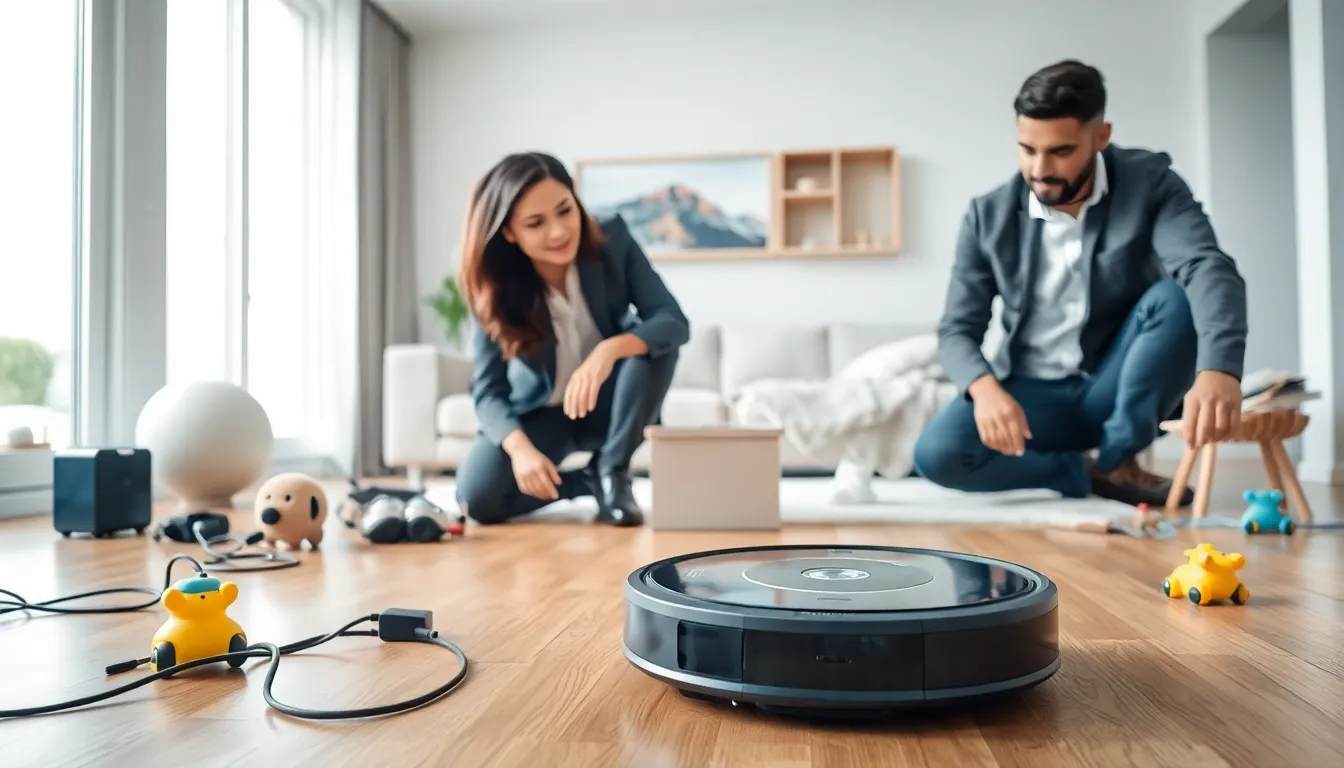
diverse team troubleshooting a Roomba in a modern living room.

Roombas are sleek and smart, but even the best technology can have its quirks. Here’s a look at some common issues you might encounter with your robotic helper.

Battery Problems

A Roomba without battery power is just a fancy paperweight. If your device won’t charge, check the following:

  • Charging Station: Ensure the charging contacts on both the Roomba and the station are clean. Dust and dirt can be sneaky little culprits.
  • Battery Health: Lithium-ion batteries have a lifespan. If your Roomba is older, it might be time for a replacement. A new battery can restore its cleaning enthusiasm.

Navigation Errors

Has your Roomba taken a detour, only to get stuck in a corner like a bad driver? Navigation errors can occur for various reasons:

  • Cliff Sensors: These sensors allow the Roomba to avoid stairs and ledges. If they’re dirty, your Roomba could think it’s on a cliff when it’s just your living room rug.
  • Obstacles: Make sure your floors are clear of obstacles. Loose cords and tiny toys can throw off its navigation system.

Cleaning Performance Issues

So, you’ve set your Roomba loose, but your floors still aren’t sparkling? Cleaning issues can be frustrating:

  • Brushes and Filters: If the brushes are tangled with hair or debris, cleaning efficiency takes a hit. Regular maintenance is key here. Don’t forget to check the filters too: a clogged filter means less suction.
  • Dirt Detect Technology: If the Roomba isn’t engaging its dirt detection features, it may not be cleaning as thoroughly as it should. A factory reset can sometimes resolve this glitch.

Error Codes and What They Mean

Roomba models come equipped with an array of error codes, flashing lights that might as well be Morse code at this point. Here are some common error indicators:

  • Error 1: This indicates a general wheel or movement issue. Check for obstructions on the wheels and clear any debris.
  • Error 3: This error is usually linked to battery problems. Make sure everything is charged and check connections.
  • Error 5: This points to a cliff sensor issue, where your Roomba thinks it’s near a drop. Check for dirt covering the sensors and clean them gently.

By familiarizing yourself with these codes, you can become your Roomba’s own personal mechanic.

How to Reset Your Roomba

Sometimes, when all else fails, a reset can work wonders. Here’s how to give your Roomba a fresh start:

  1. Power Off: Locate the clean button on top of your Roomba and press it for about 10 seconds until you hear a beep. This shuts the Roomba down.
  2. Reboot: Wait for a few seconds before turning it back on.
  3. Test: After rebooting, run a quick cleaning cycle to see if the issues have been resolved. This method often clears up minor glitches and can help restore normal functionality.

Maintenance Tips for Optimal Performance

A little maintenance goes a long way in keeping your Roomba running smoothly. Here are some tips to consider:

  • Regular Cleaning: Empty the dustbin after each use and clean the brushes regularly.
  • Software Updates: Make sure your Roomba’s software is up to date to take advantage of the latest features and bug fixes.
  • Scheduled Cleaning: Keep a regular cleaning schedule to make sure your home stays tidy and your Roomba remains active.

By investing a bit of time in maintenance, your Roomba can function at its best for years to come.

When to Seek Professional Help

If you’ve tried everything and your Roomba still isn’t behaving, it might be time to call for reinforcements. Here’s when to consider professional help:

  • Persistent Problems: If you’re facing the same issue repeatedly after troubleshooting, it could be a more significant problem beyond just routine glitches.
  • Hardware Failures: If your Roomba has visible damage or issues with battery or motor, seeking a professional’s opinion can save you from costly DIY attempts.
  • Under Warranty?: If your device is still under warranty, it’s worth contacting customer support. You could get repairs or replacements done without very costly.

Continue Reading

Previous: Nespresso Machine Troubleshooting: Common Issues and Solutions
Next: PC Troubleshooting: A Comprehensive Guide

Trending

Business Tech Help: A Comprehensive Guide Business Tech Help: A Comprehensive Guide 1

Business Tech Help: A Comprehensive Guide

December 30, 2025
Quickbooks Tech Help: Your Ultimate Support Guide Quickbooks Tech Help: Your Ultimate Support Guide 2

Quickbooks Tech Help: Your Ultimate Support Guide

December 30, 2025
Help Desk Tech: An Essential Component of IT Support Help Desk Tech: An Essential Component of IT Support 3

Help Desk Tech: An Essential Component of IT Support

December 30, 2025
How To Help Tech Neck: Solutions for Our Digital Age How To Help Tech Neck: Solutions for Our Digital Age 4

How To Help Tech Neck: Solutions for Our Digital Age

December 30, 2025
Cyber Help Tech Solutions: Unlocking a Safer Digital Future Cyber Help Tech Solutions: Unlocking a Safer Digital Future 5

Cyber Help Tech Solutions: Unlocking a Safer Digital Future

December 30, 2025
Troubleshooting Skills: Mastering the Art of Problem Solving Troubleshooting Skills: Mastering the Art of Problem Solving 6

Troubleshooting Skills: Mastering the Art of Problem Solving

December 28, 2025

Related Stories

Troubleshooting Skills: Mastering the Art of Problem Solving Troubleshooting Skills: Mastering the Art of Problem Solving
4 min read

Troubleshooting Skills: Mastering the Art of Problem Solving

December 28, 2025 17
Troubleshooting Skills: Mastering the Art of Problem Solving Troubleshooting Skills: Mastering the Art of Problem Solving
4 min read

Troubleshooting Skills: Mastering the Art of Problem Solving

December 28, 2025 17
HVAC Troubleshooting App: Your Go-To Guide HVAC Troubleshooting App: Your Go-To Guide
4 min read

HVAC Troubleshooting App: Your Go-To Guide

December 28, 2025 17
Troubleshooting Garbage Disposal: Fix Common Issues Fast troubleshooting garbage disposal
4 min read

Troubleshooting Garbage Disposal: Fix Common Issues Fast

November 4, 2025 262
Amazon Fire Stick Troubleshooting: Fix Common Issues Fast amazon fire stick troubleshooting
3 min read

Amazon Fire Stick Troubleshooting: Fix Common Issues Fast

November 4, 2025 259
Software Troubleshooting: A Comprehensive Guide software troubleshooting
3 min read

Software Troubleshooting: A Comprehensive Guide

November 4, 2025 262

Categories

  • Devices – Gadgets
  • Gambling
  • Interesting Facts
  • Just Tech
  • Latest
  • News and Updates
  • Tech Assistance
  • Tech Help
  • Troubleshooting
  • Troubleshooting Guide
  • Troubleshooting only

Trending News

Business Tech Help: A Comprehensive Guide Business Tech Help: A Comprehensive Guide 1

Business Tech Help: A Comprehensive Guide

December 30, 2025
Quickbooks Tech Help: Your Ultimate Support Guide Quickbooks Tech Help: Your Ultimate Support Guide 2

Quickbooks Tech Help: Your Ultimate Support Guide

December 30, 2025
Help Desk Tech: An Essential Component of IT Support Help Desk Tech: An Essential Component of IT Support 3

Help Desk Tech: An Essential Component of IT Support

December 30, 2025
How To Help Tech Neck: Solutions for Our Digital Age How To Help Tech Neck: Solutions for Our Digital Age 4

How To Help Tech Neck: Solutions for Our Digital Age

December 30, 2025
Cyber Help Tech Solutions: Unlocking a Safer Digital Future Cyber Help Tech Solutions: Unlocking a Safer Digital Future 5

Cyber Help Tech Solutions: Unlocking a Safer Digital Future

December 30, 2025
Troubleshooting Skills: Mastering the Art of Problem Solving Troubleshooting Skills: Mastering the Art of Problem Solving 6

Troubleshooting Skills: Mastering the Art of Problem Solving

December 28, 2025
Troubleshooting Skills: Mastering the Art of Problem Solving Troubleshooting Skills: Mastering the Art of Problem Solving 7

Troubleshooting Skills: Mastering the Art of Problem Solving

December 28, 2025

Connect with Us

Social menu is not set. You need to create menu and assign it to Social Menu on Menu Settings.

Thanks to Sentback Friends

casino utan bankid
  • Home
  • Privacy Policy
  • Terms & Conditions
  • About The Team
  • Contact Us
sentback.org © 2025 All rights reserved.
We use cookies on our website to give you the most relevant experience by remembering your preferences and repeat visits. By clicking “Accept”, you consent to the use of ALL the cookies.
Do not sell my personal information.
Cookie SettingsAccept
Manage consent

Privacy Overview

This website uses cookies to improve your experience while you navigate through the website. Out of these, the cookies that are categorized as necessary are stored on your browser as they are essential for the working of basic functionalities of the website. We also use third-party cookies that help us analyze and understand how you use this website. These cookies will be stored in your browser only with your consent. You also have the option to opt-out of these cookies. But opting out of some of these cookies may affect your browsing experience.
Necessary
Always Enabled
Necessary cookies are absolutely essential for the website to function properly. These cookies ensure basic functionalities and security features of the website, anonymously.
CookieDurationDescription
cookielawinfo-checkbox-analytics11 monthsThis cookie is set by GDPR Cookie Consent plugin. The cookie is used to store the user consent for the cookies in the category "Analytics".
cookielawinfo-checkbox-functional11 monthsThe cookie is set by GDPR cookie consent to record the user consent for the cookies in the category "Functional".
cookielawinfo-checkbox-necessary11 monthsThis cookie is set by GDPR Cookie Consent plugin. The cookies is used to store the user consent for the cookies in the category "Necessary".
cookielawinfo-checkbox-others11 monthsThis cookie is set by GDPR Cookie Consent plugin. The cookie is used to store the user consent for the cookies in the category "Other.
cookielawinfo-checkbox-performance11 monthsThis cookie is set by GDPR Cookie Consent plugin. The cookie is used to store the user consent for the cookies in the category "Performance".
viewed_cookie_policy11 monthsThe cookie is set by the GDPR Cookie Consent plugin and is used to store whether or not user has consented to the use of cookies. It does not store any personal data.
Functional
Functional cookies help to perform certain functionalities like sharing the content of the website on social media platforms, collect feedbacks, and other third-party features.
Performance
Performance cookies are used to understand and analyze the key performance indexes of the website which helps in delivering a better user experience for the visitors.
Analytics
Analytical cookies are used to understand how visitors interact with the website. These cookies help provide information on metrics the number of visitors, bounce rate, traffic source, etc.
Advertisement
Advertisement cookies are used to provide visitors with relevant ads and marketing campaigns. These cookies track visitors across websites and collect information to provide customized ads.
Others
Other uncategorized cookies are those that are being analyzed and have not been classified into a category as yet.
SAVE & ACCEPT